Intermittent fasting · iPhone
Simple to start. Everything you need after that.
Start a fast in one tap. That's the whole app on day one. The coach, the charts and your accountability group are waiting for the day you want more.
The coach
Find out why the scale stopped moving.
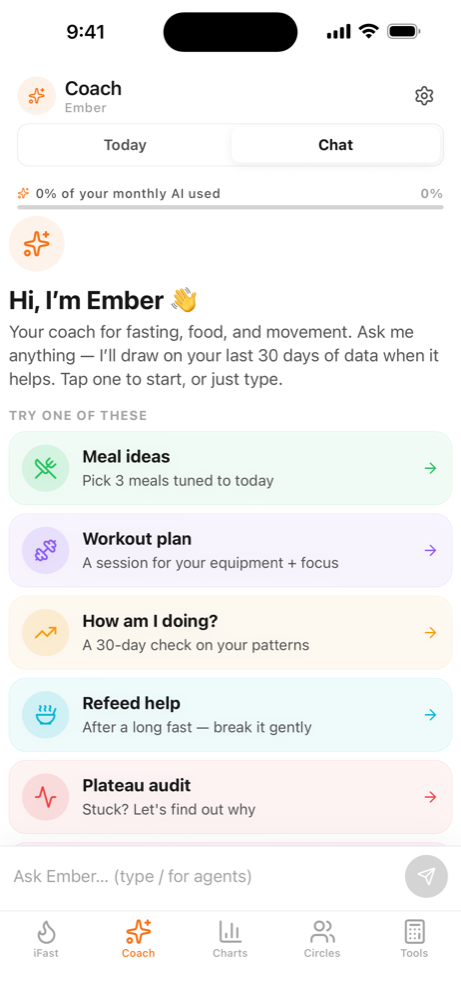
Ask Ember anything and the answer comes from your numbers, not a template.
- Pulls your recent fasts, weight, hydration and activity into an answer
- Tells you the one thing to change this week, not ten
- Specialist modes for plateaus, breaking a long fast, and weekly reviews
Ember is AI. It can be wrong, and it doesn't give medical advice.
Consistency
Built for March, not next Tuesday.
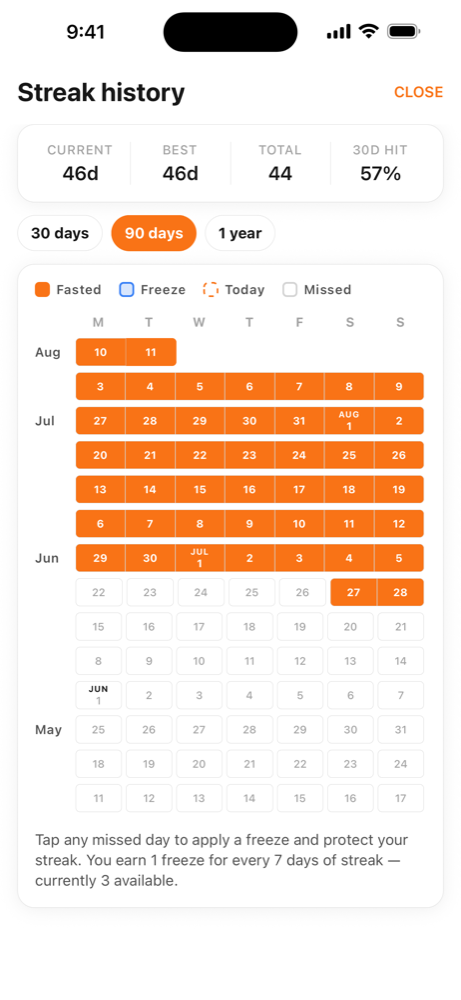
Most people quit a fasting app after one bad Tuesday convinces them they've blown it. Miss a day here and nothing resets.
- Earn a freeze every seventh day and spend it whenever life gets in the way
- Six months of history at a glance, so a bad fortnight looks like what it is
- Your streak counts consistency, not a perfect record
Accountability buddies
Doing this alone is the hard way.
In a study of 166 people on the same programme, those doing it alongside others kept the weight off at nearly three times the rate: 66% against 24% at ten months.
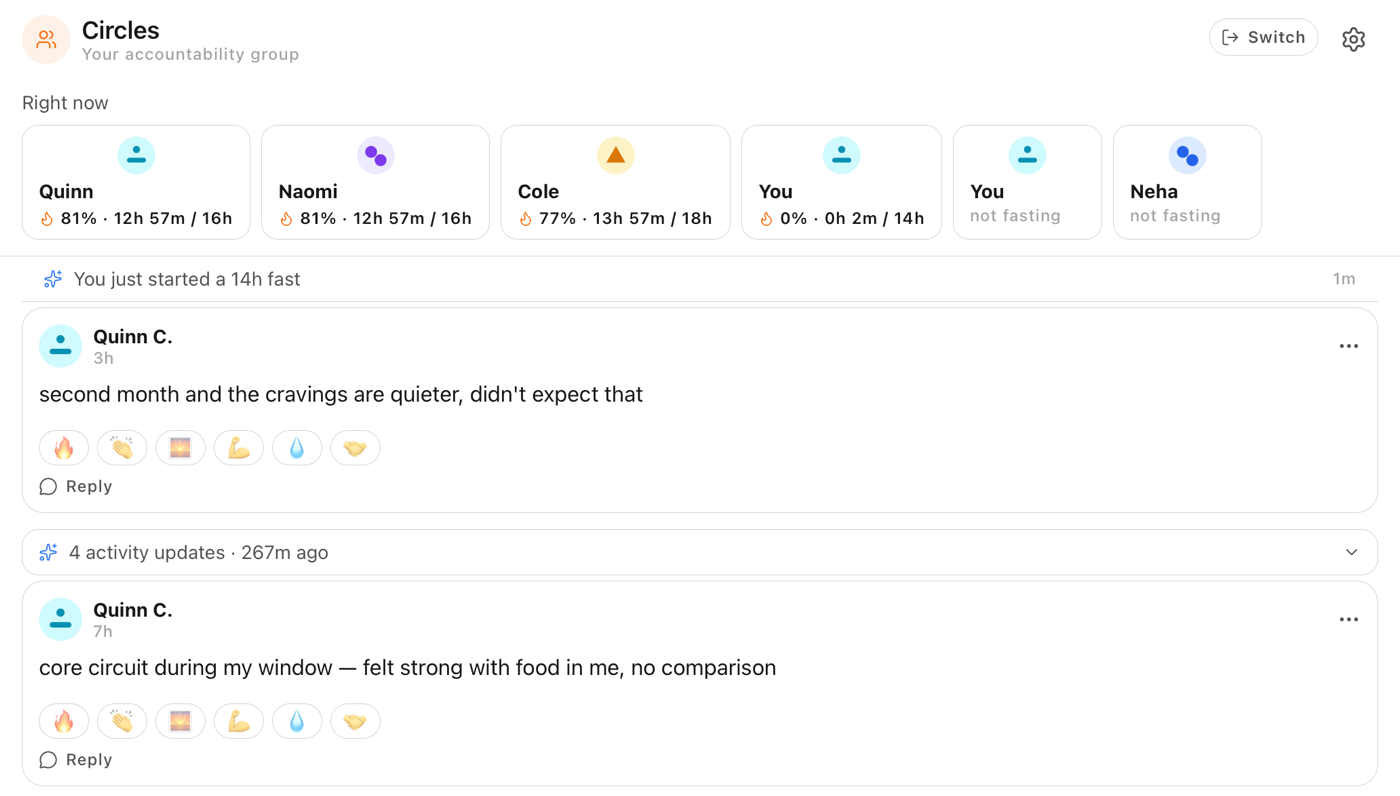
- A small private group, up to six, matched on your goal, age and activity
- You'll see who else is mid-fast today, and they'll see you
- No followers, no ranking, and nothing you write is public
Wing & Jeffery, 1999. Their study paired people with friends they already had, so read it as why we built this, not a promise about you.
The timer
Start in one tap. Forget about it.
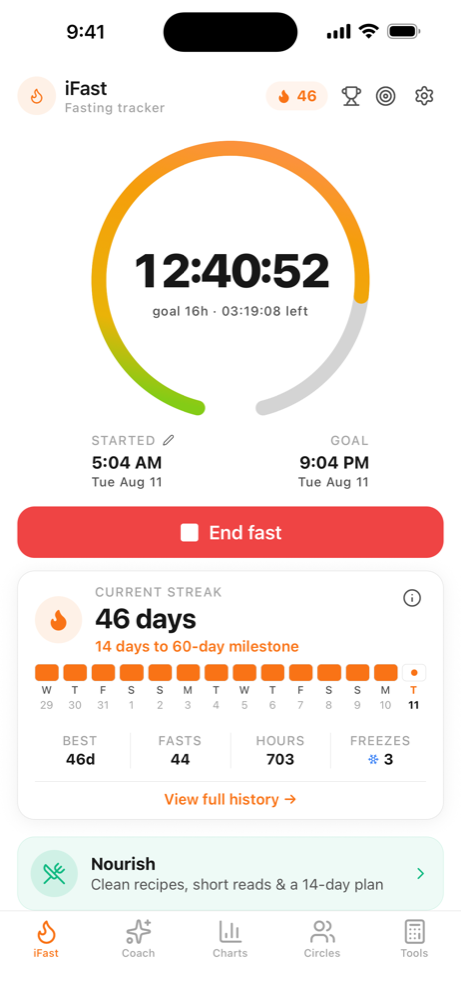
Pick a window and the app handles the rest of the day.
- 12:12 to begin with, 16:8 once that stops feeling like anything
- The ring shows which metabolic zone you've reached
- A Home Screen widget counts down, so most days you never open the app
The numbers
Five calculators that show their working.
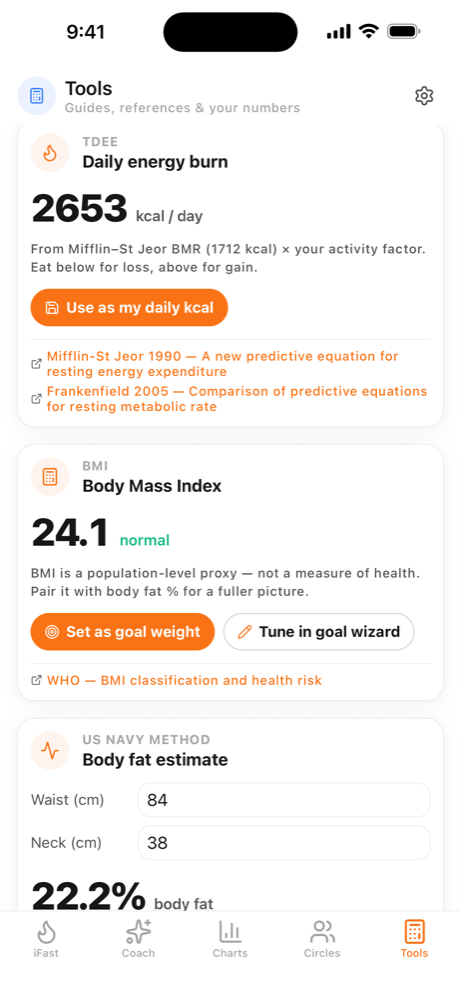
Every figure in the app names the equation behind it and how far off it might be.
- Daily calorie burn, body mass index, and body fat from a tape measure
- A hydration target, and a recovery read pulled from Apple Health
- Four of the five link out to the study they came from
If you're going to eat to a number every day for the next six months, it's worth knowing where that number came from.
Also in the app
Built so you stop thinking about it.
Recipes that fit your window
Sorted by what you can cook in fifteen minutes, and what won't undo a fast you've just broken. There's a two-week plan if you'd rather not decide every night.
Pick a protocol and the timer sets itself
12:12 if you're starting out. 16:8 once that feels like nothing. The long ones are in there too, with honest warnings about who shouldn't attempt them.
Photograph the plate, get the macros
No hunting through a database for "chicken, grilled". If the estimate looks wrong, one tap fixes it.
Your weight and steps arrive on their own
Apple Health feeds them in and your fasts go back out. The countdown lives on your Home Screen, so most days you won't open the app at all.
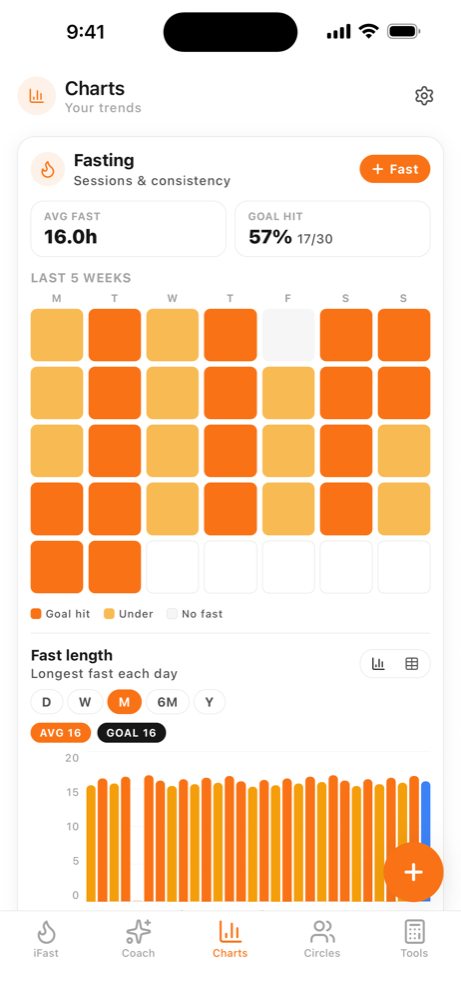
Trends long enough to mean something
A bad fortnight looks exactly like a plateau. Six months of data is what tells you which one you are actually looking at.
Something to chase besides the next fast
Badges for the milestones that are genuinely hard to reach, and short guides for when you want to know why any of it works.